
How to improve Nike monitor-to-cart speed in 2026
Nothing is worse than watching a Nike release disappear while your flow stalls on avoidable friction. This playbook gives you a cleaner execution sequence so you can move faster when the window actually opens.
Think of this as a practical checklist, not theory. You are building a repeatable lane: stable baseline first, then controlled aggression once the proof is there.
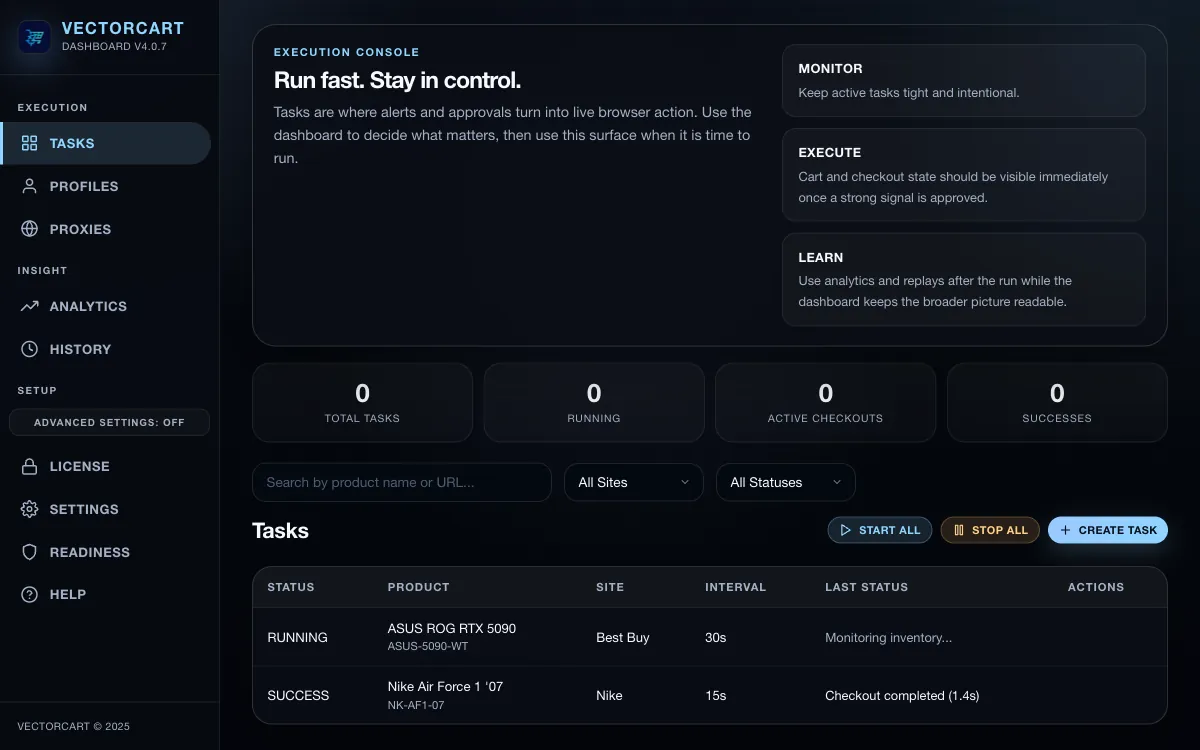
1. Set up Nike tasks in the right order before drop time
- Validate license and backend connectivity first.
- Create and verify one clean profile before cloning tasks.
- Confirm proxy group health before launch windows.
- Run one low-noise Safe Mode task before scaling.
2. Use Safe Mode first, then scale into faster Nike behavior
Use Safe Mode to confirm your lane is stable, then move to aggressive behavior only when you have baseline success evidence. Jumping straight to high aggression on unstable setup usually burns time and proxies.
3. Keep Nike task count intentional to avoid self-competition
More tasks do not always mean better outcomes. Over-duplicated tasks compete for the same opportunity and raise failure noise. Start with a smaller set of clean tasks, then expand once logs confirm a reliable pattern.
4. Analyze rate-limit and checkout failures systematically
After each run, review replay/history and classify failures by type: rate-limit, account-state, or checkout-path mismatch. Fix the most common class first, then retest before changing everything at once.